

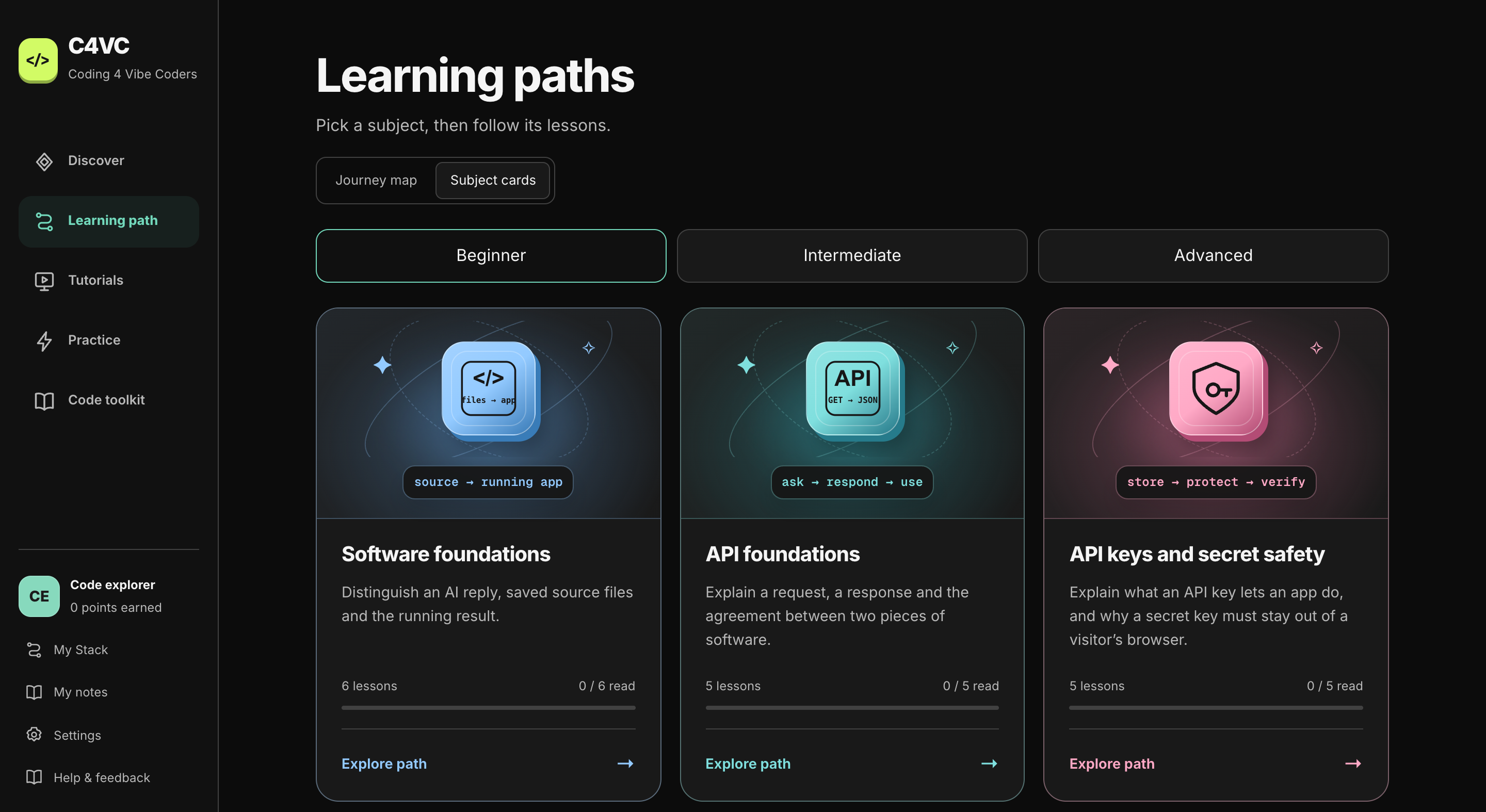
You ask AI for a website. It gives you files and a working preview. Then you want to change the layout, fix a button, or understand why the page looks different on a phone.
Knowing which file to open is suddenly useful. So is recognizing a style rule, reading an error, or checking whether a change affected something else.
I’m building Coding 4 Vibe Coders for that next step: helping people who build with AI understand more of what they’ve made.
Connect the files to the thing you see.
An AI reply, a saved source file, and a running website are different parts of the process. C4VC starts by making those connections visible.
Read a piece of code alongside an explanation and an example. Find the heading it creates, follow the rule that changes its appearance, or work through the instructions behind a page’s behavior. The vocabulary has something concrete to attach to.
Learn the part you need next.
The learning paths cover software foundations, HTML, CSS, JavaScript, APIs, and the workflow around making a change. You can open a subject, follow its lessons, and return to the code toolkit when a symbol, command, or term needs another look.
The Build with your AI path starts with an idea and a clearer brief for a working website or tool. Platform tutorials explain the tools around a project, including GitHub, Netlify, Cloudflare, and databases.
Try a change. Check what happened.
Reading an explanation is a start. Practice gives you a way to use it: make a small edit, compare the result, and work out why it changed.
Lessons connect visual explanations with optional hands-on challenges. Saved progress and notes give you a place to pick up again. The aim is to make the next unfamiliar file or error easier to approach.
Keep building with AI.
Understanding the code makes the conversation more precise. You can point to the file, describe the behavior you expected, and check the result against the request.
That is the direction behind C4VC: build something you care about, learn how its pieces fit, and gain more control over the next change.
See what you can learn next.
Explore the paths, the code toolkit, and the project tutorials inside C4VC.